Video Capture Photo Mode vs Regular Photo Mode
Photos captured from iPhone's video mode are visually different from photos taken from the regular photo mode. For example, videos tend to appear darker and less vibrant compared to regular photos, whether live or still, which often capture more light and reflection. I decided to do some digging on this, to conclude which may look better depending on the type of photo or the image you want to capture. In this post, we'll discuss the differences between these modes, and when we may prefer to use which mode!
Note: All photo comparisons on this page has the video-captured photo on the right, and the normal mode photo on the left. I also did not edit any photos (with adjustment, filters, etc.) on this page unless stated otherwise. This is to showcase the slight differences in regular vs video-capture photo mode ...
Sizing Differences
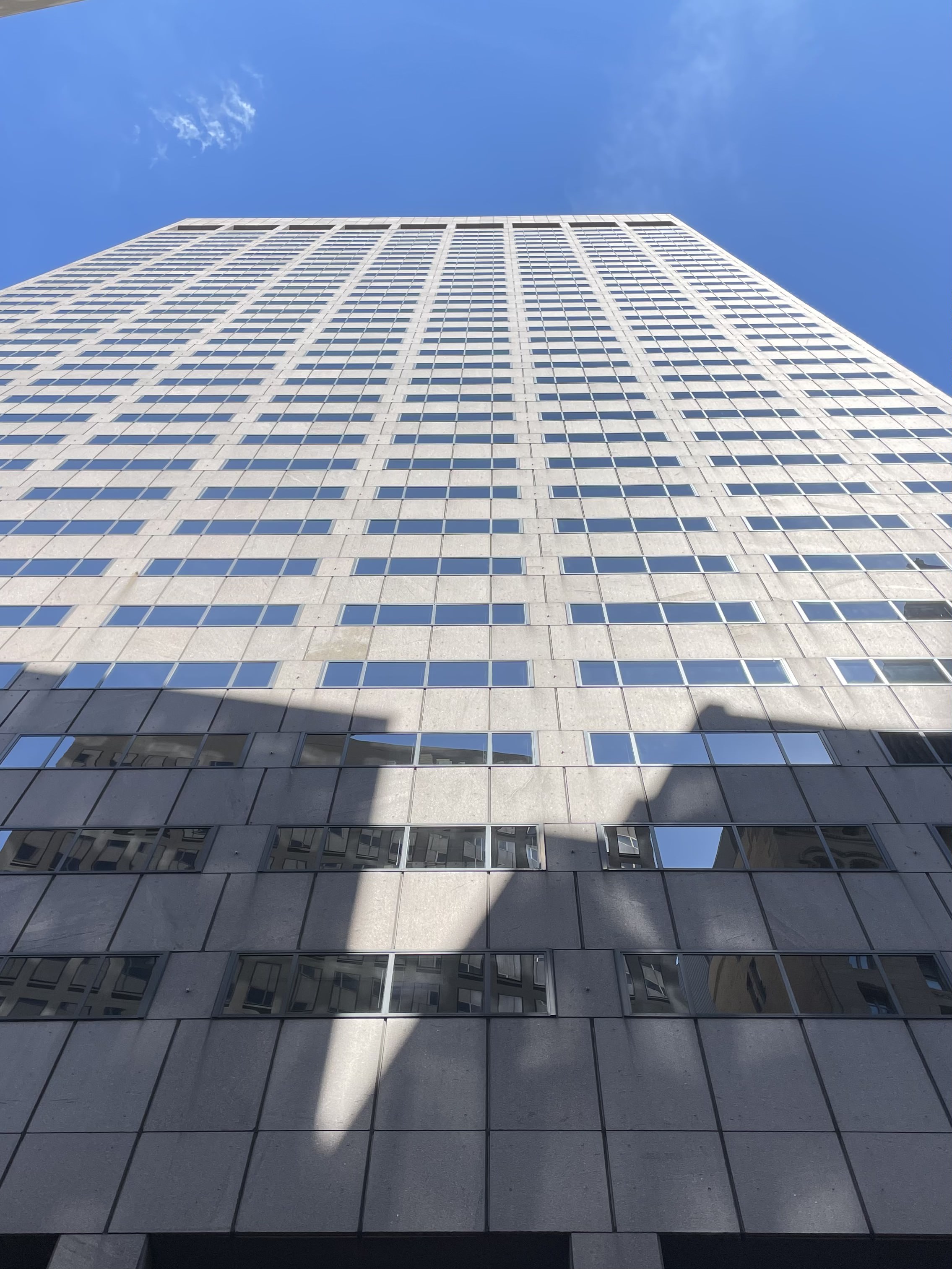
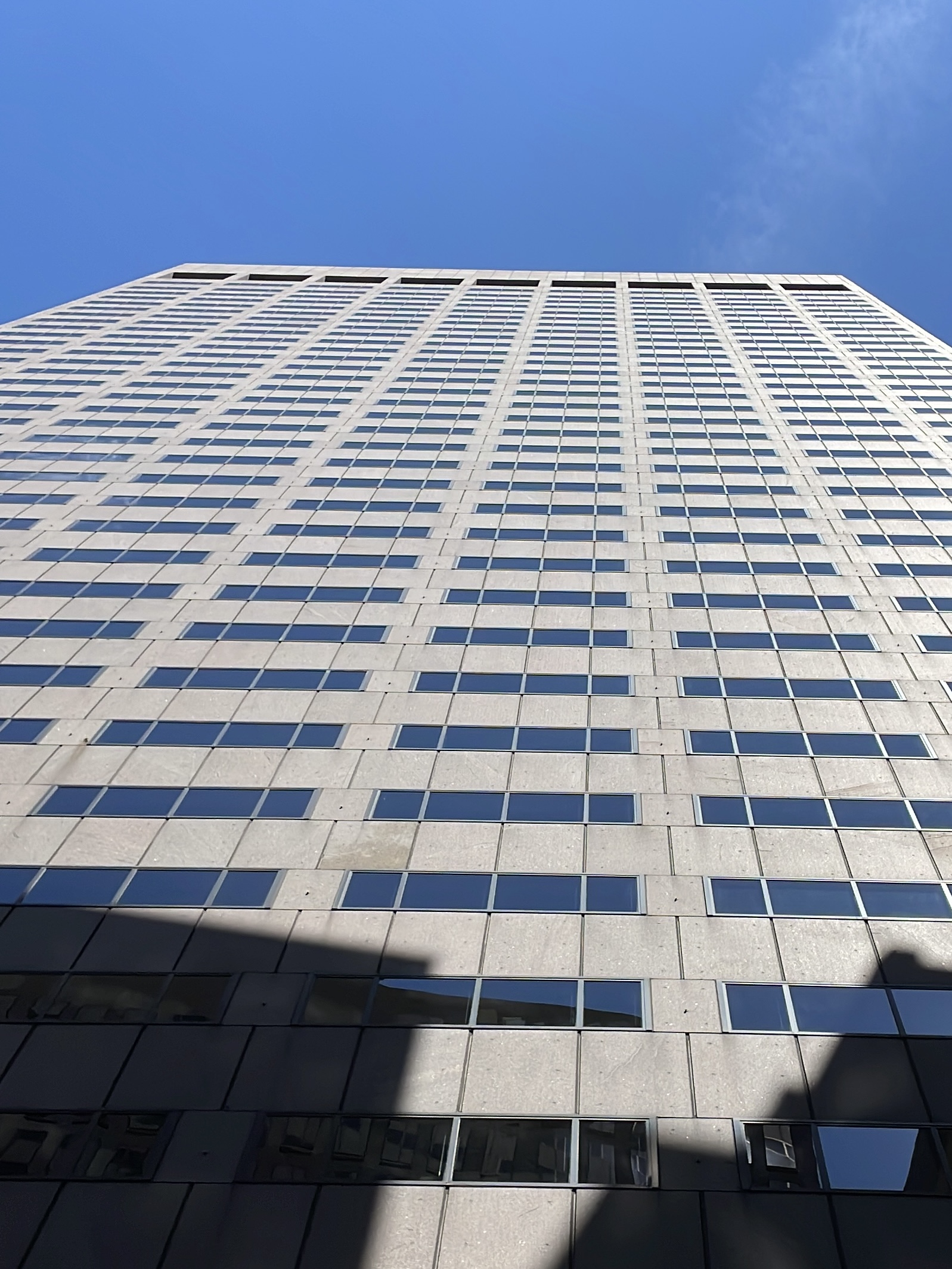
The most obvious difference is that when capturing a photo in video mode, the camera seems to zoom in (like in above photo comparison with video-captured photo on the right). To "fill the screen" with the Four Thirds image sensor (18 mm x 13.5 mm, or 4:3 ratio), the phone camera needs to zoom in to "crop" out the additional view, in order to obtain the ratio of 16:9 (which is the ratio for a vertical video ratio).
Lighting/Color Differences


From above macaron photo comparisons, we see that the photo from video mode (right) may seem to have slightly darker lighting compared to the regular photo on the left. Photos appear brighter than its video mode counterparts because regular photos have time for more exposure, compared to taking photos directly from video mode (which has less exposure). This reason may be similar to how videos can appear darker when the frame rate (FPS) is higher, due to higher FPS videos having a shorter exposure time. This difference in lighting may cause the color to also appear different. For example, we may find the video-mode photos' colors to be more similar to the color we see in real life, whereas photos may appear more vibrant or have more 'reflectivity', as seen in below comparison of the same building.
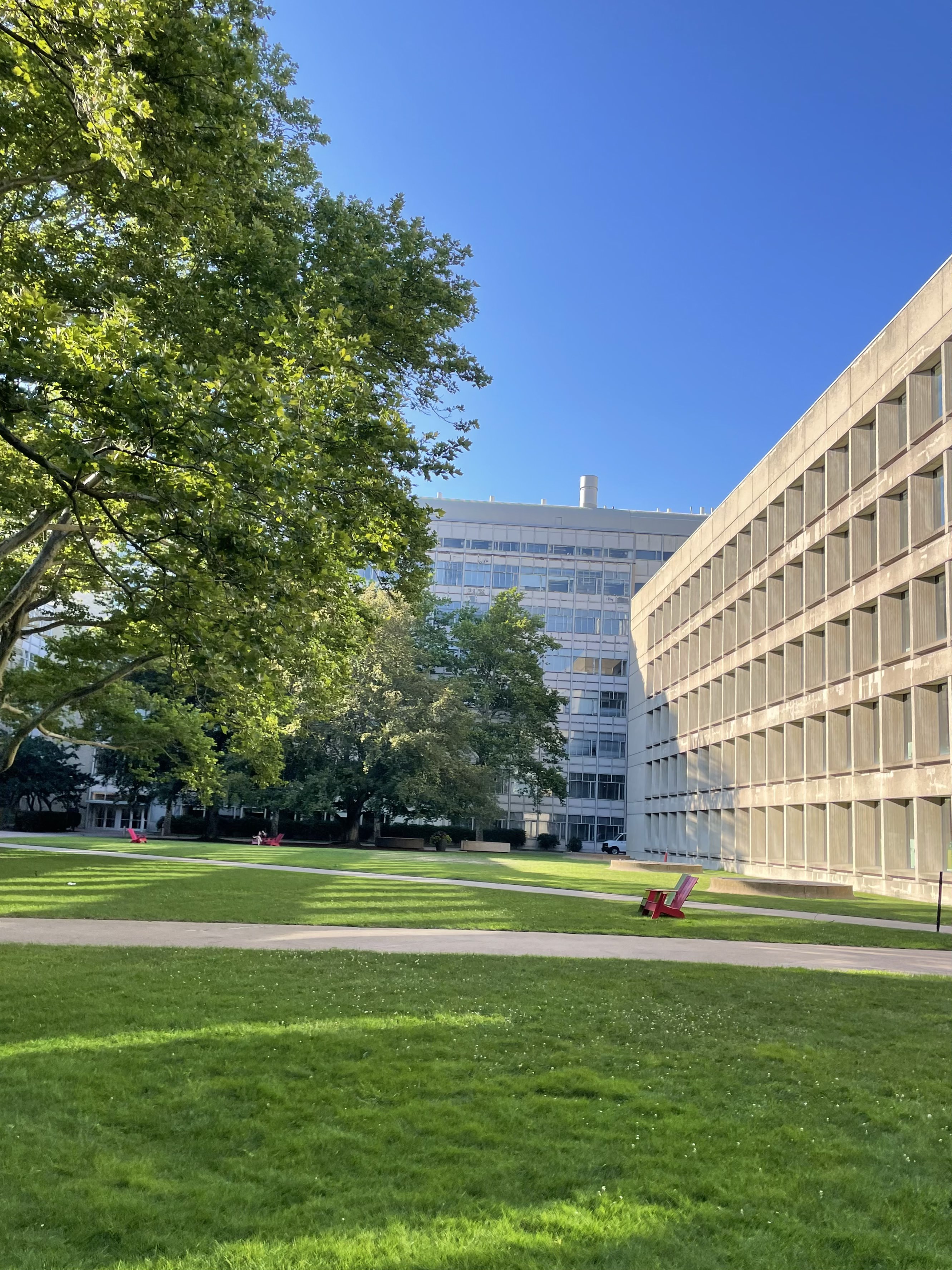
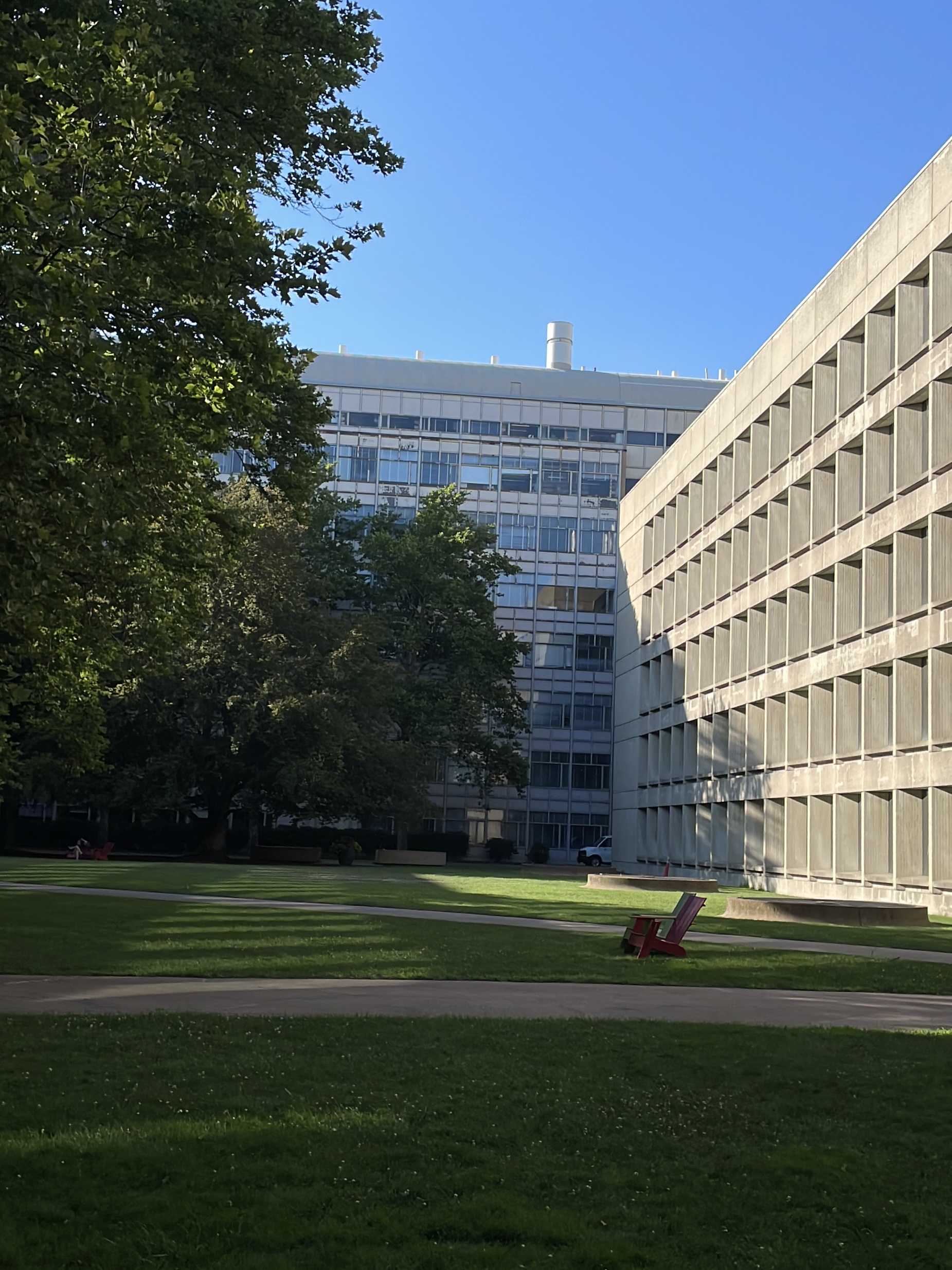
In below comparison, there's no big difference in the photos' resolution, but one can clearly see the color differences (from the sky and ocean). Personally, I would prefer the video-captured photo, since the ocean's "true complextion" on that slightly sunny day was closer to the marine, cerulean color.


Which Mode Should I use? (Preferences)
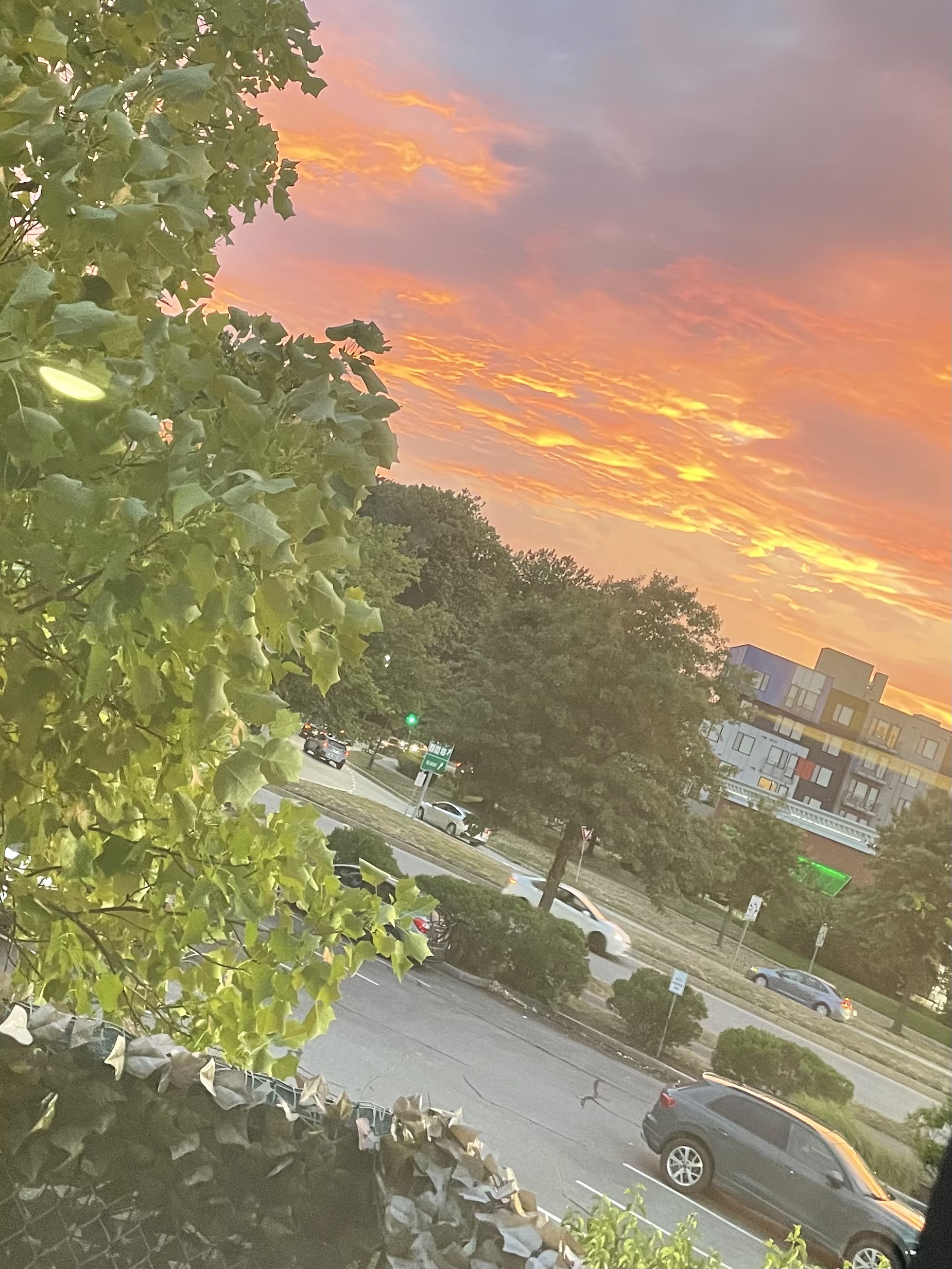
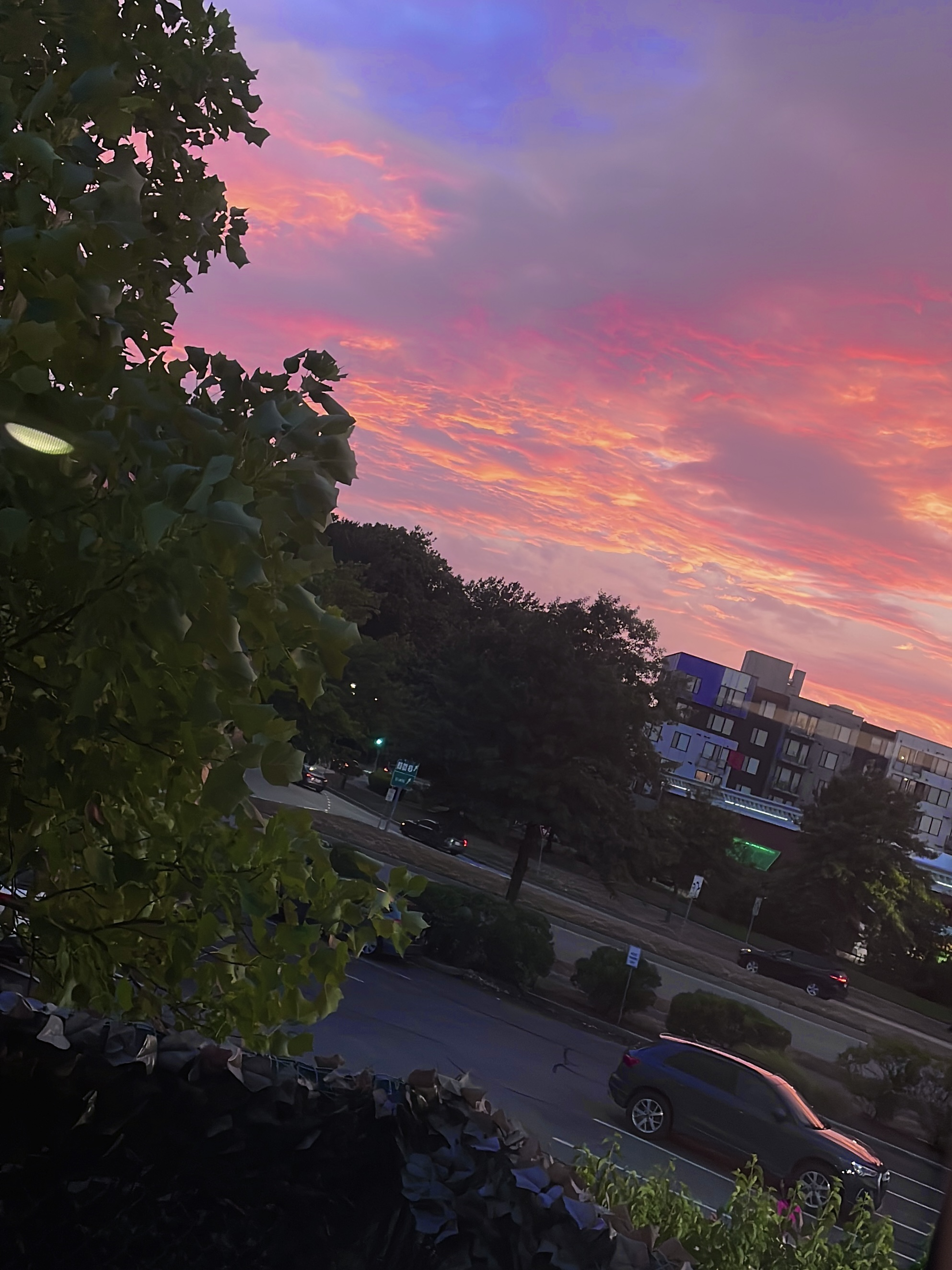
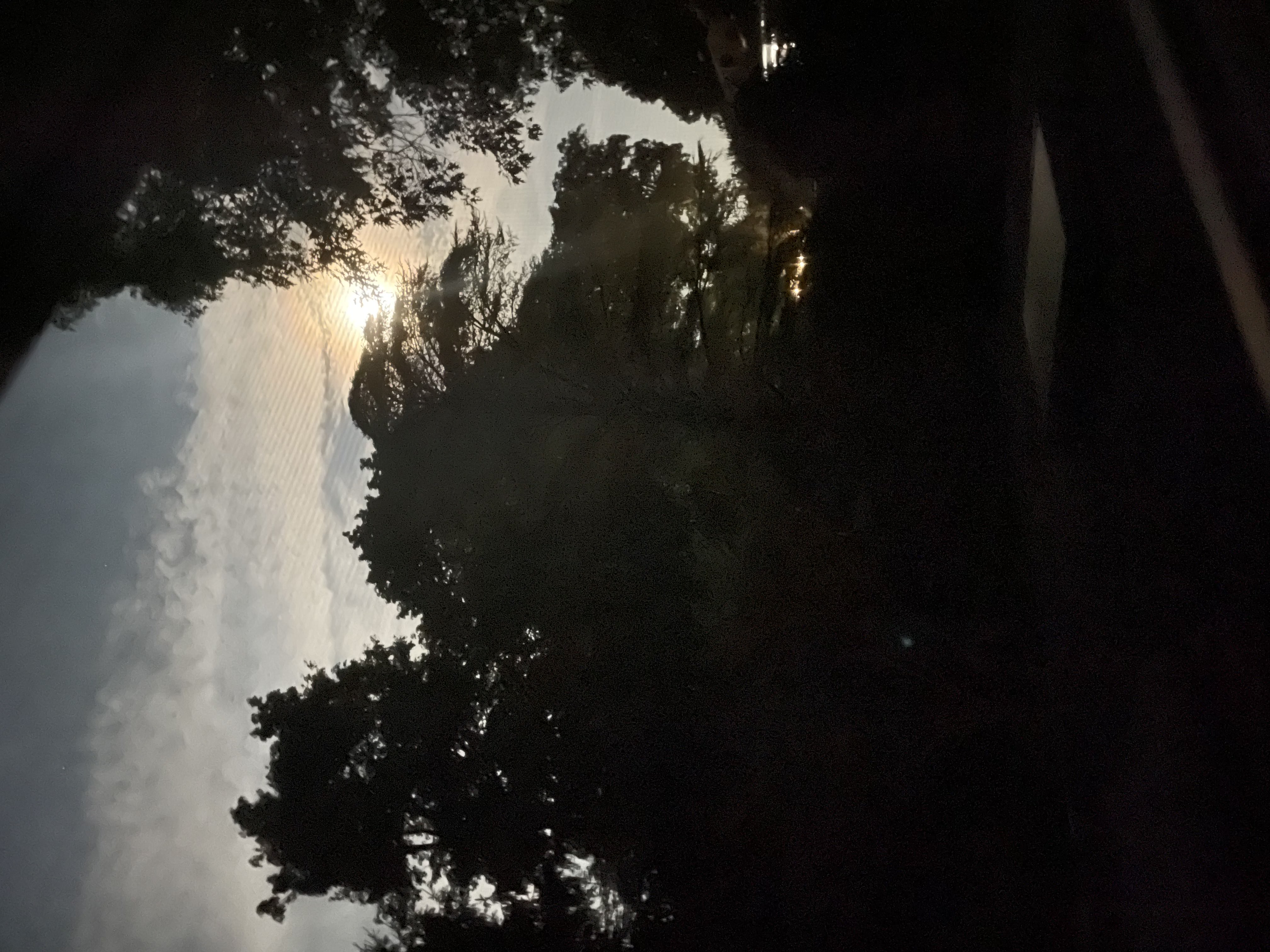
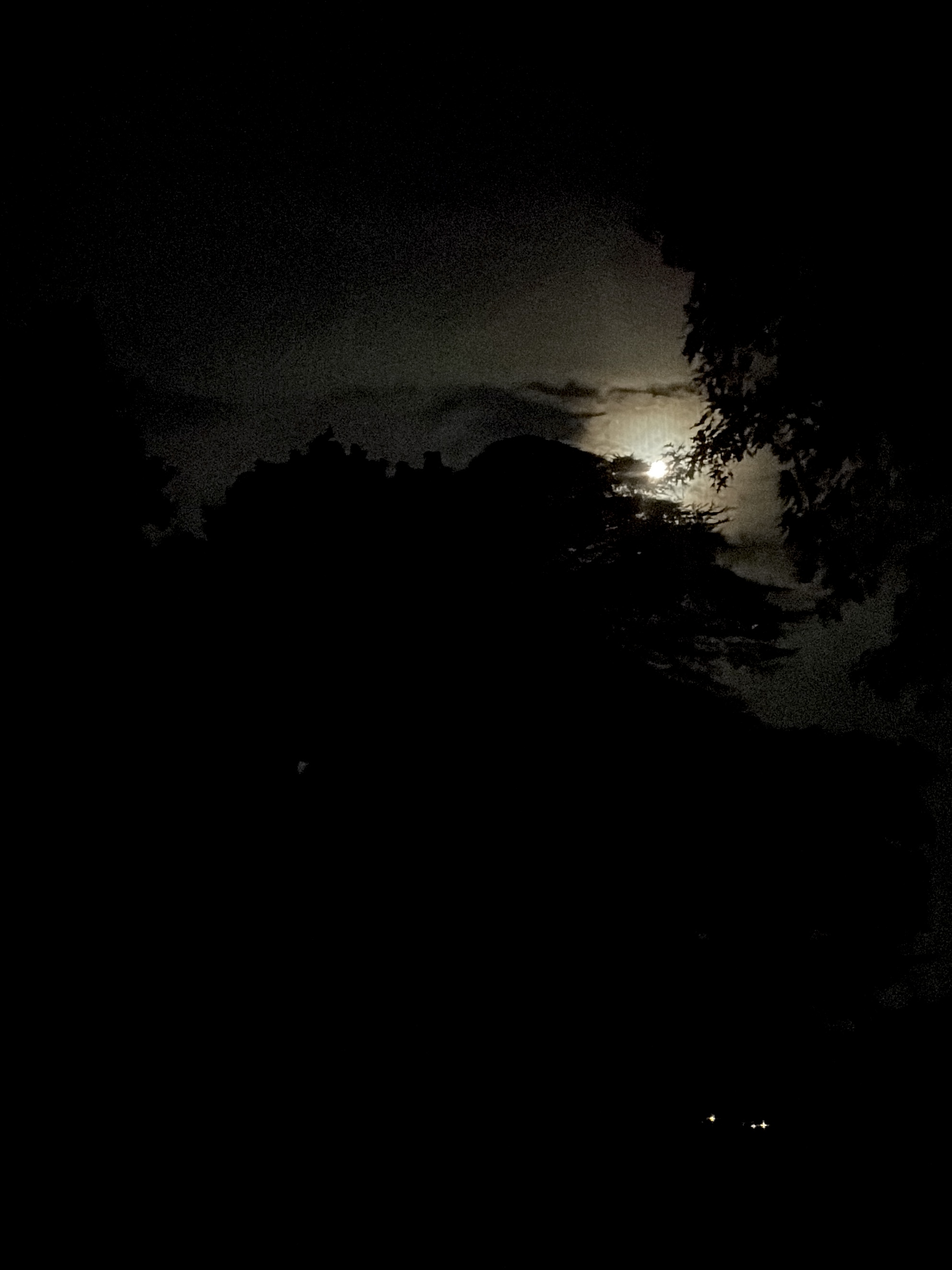
When capturing sunsets or night views (see above photo comparisons with video captured photo to the right), I prefer to use video capture mode. On that evening where I took the sunset's photo, the sky was painted by a wide range of warm colors on the color spectrum, accurately captured by the video-capture mode. The sunset captured by the regular photo mode appears bland, and looks like the sky, lit on fire, was exhaling smoke on this seemingly dull day. The video mode also accurately captures the moon's brightness in contrast to the dark, night sky. The gloomy gradient on the video-captured photo also gives the viewer some mood of dark fantasy. However, the "ideal" dark or lightness really depends on what mood we're aiming for the photo to have here.
Often, when taking selfies, I prefer to use video capture mode. See below comparison, where I took photos in the exact position. My face appears to have less 'reflection' and is darker in video capture mode. In the photo mode, my face appears to have more light directed to it (again, likely due to more time for exposure). Personally, I prefer to have my face to appear less 'reflected', as the light on my face makes me look sweaty. Additionally, my hair may look "rusty"/brownish in photo-mode when large amounts of light is present, the color tone of my face in photo mode often looks oversaturated with an "orange" undertone, and my lips look unnaturally lighter/pinker. This ... makes me look uncanny, even though I try to appreciate my more "vibrant looking face". Perhaps the lower exposure in video-capture mode brings the additional benefit of adding more shadow to my face, making my face look more slim... (Ahem). It all boils down to personal preference though.
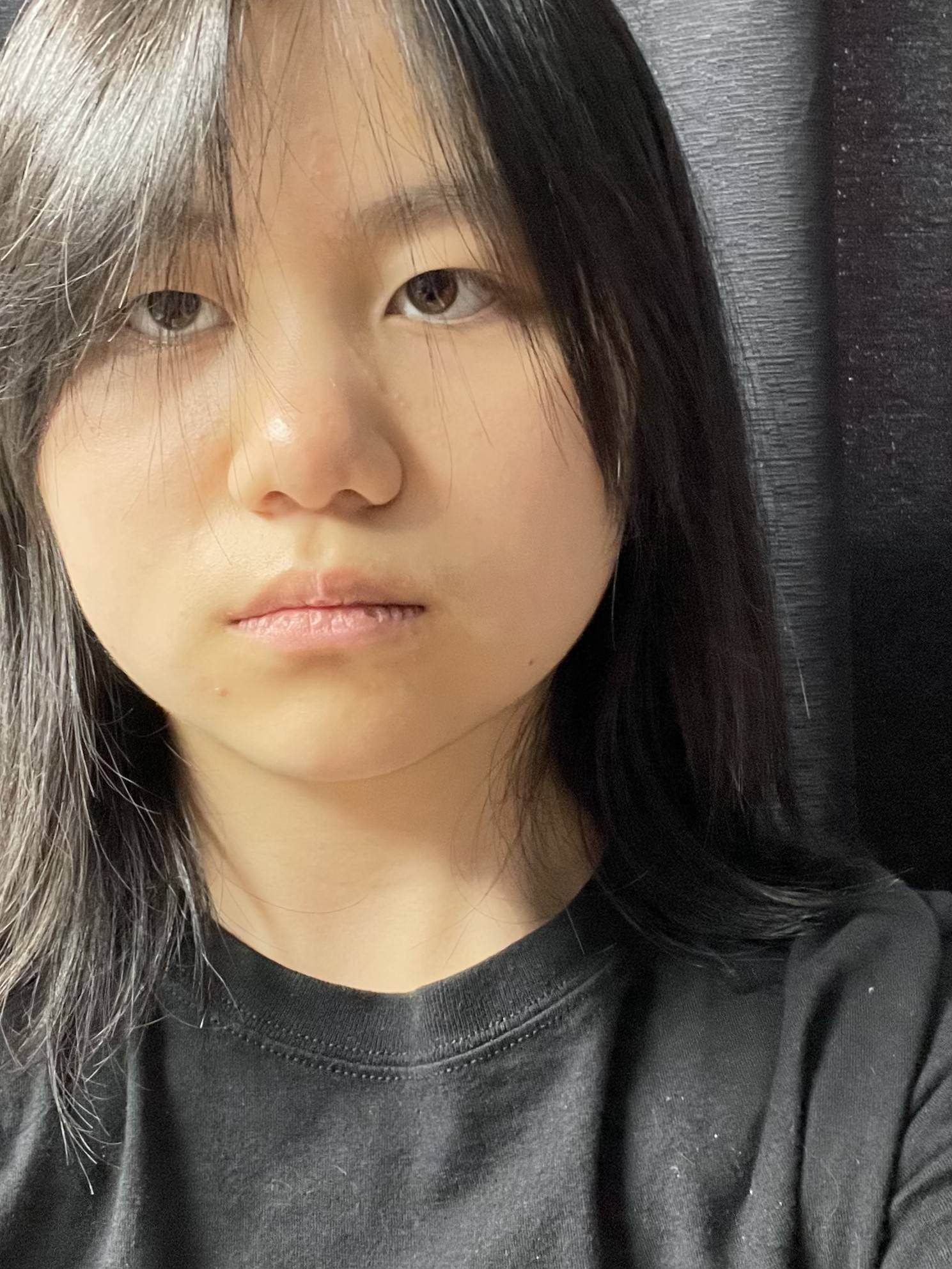
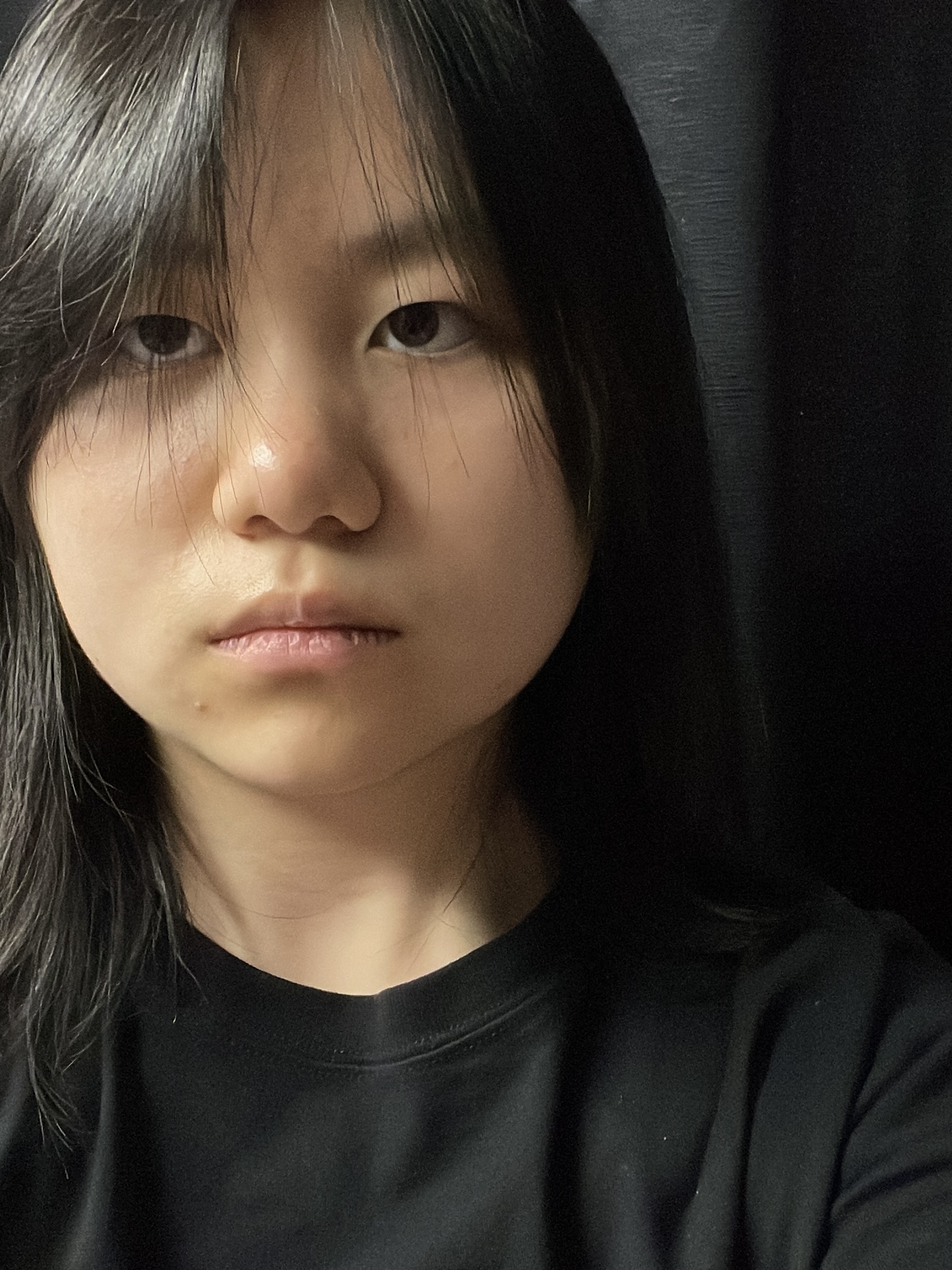
Below are more examples of video captured photos compared to photos from the regular mode. The third photos (far right) were edited from the video captured photo into a hopefully more 'cinematic' looking one.
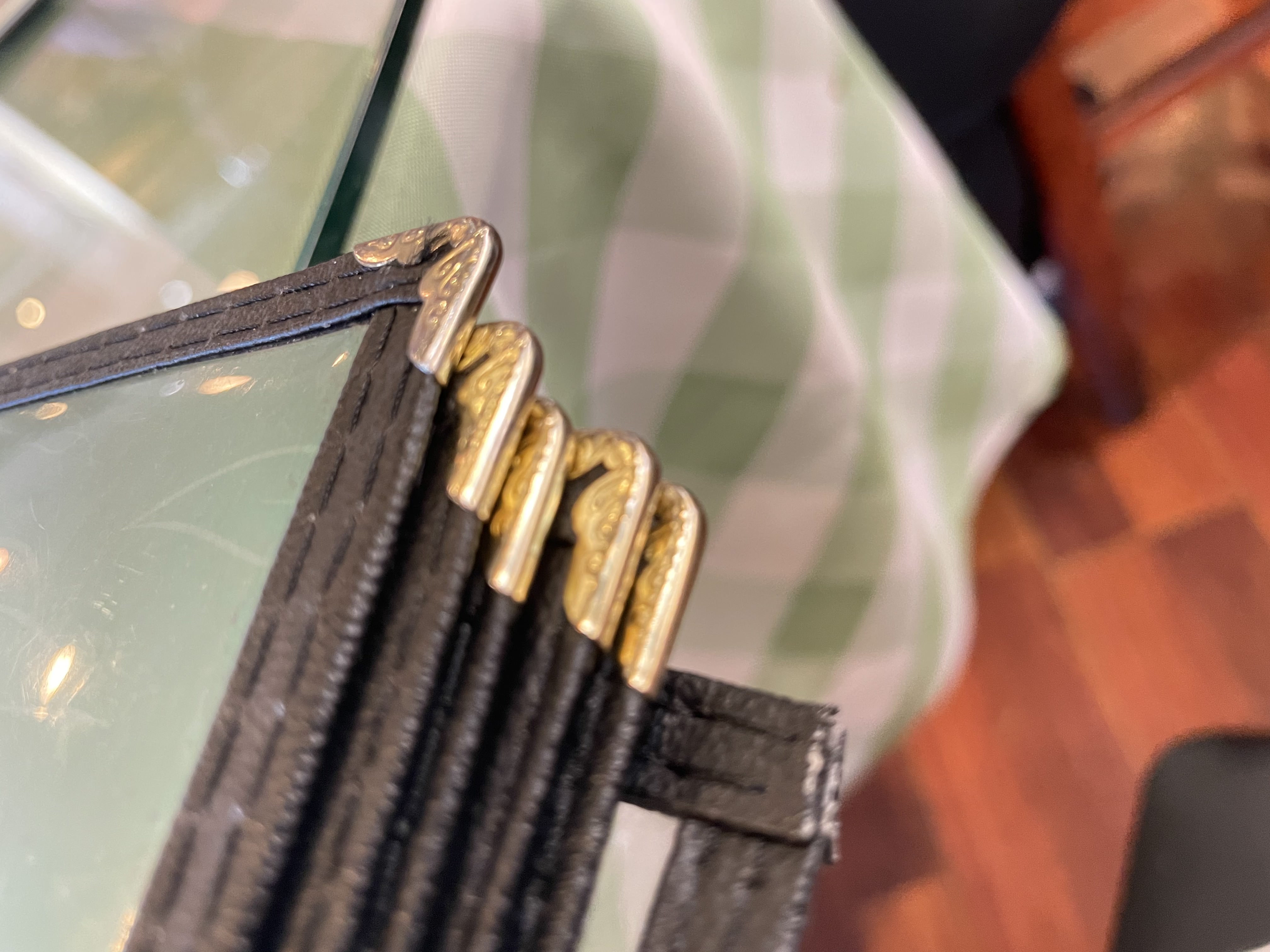
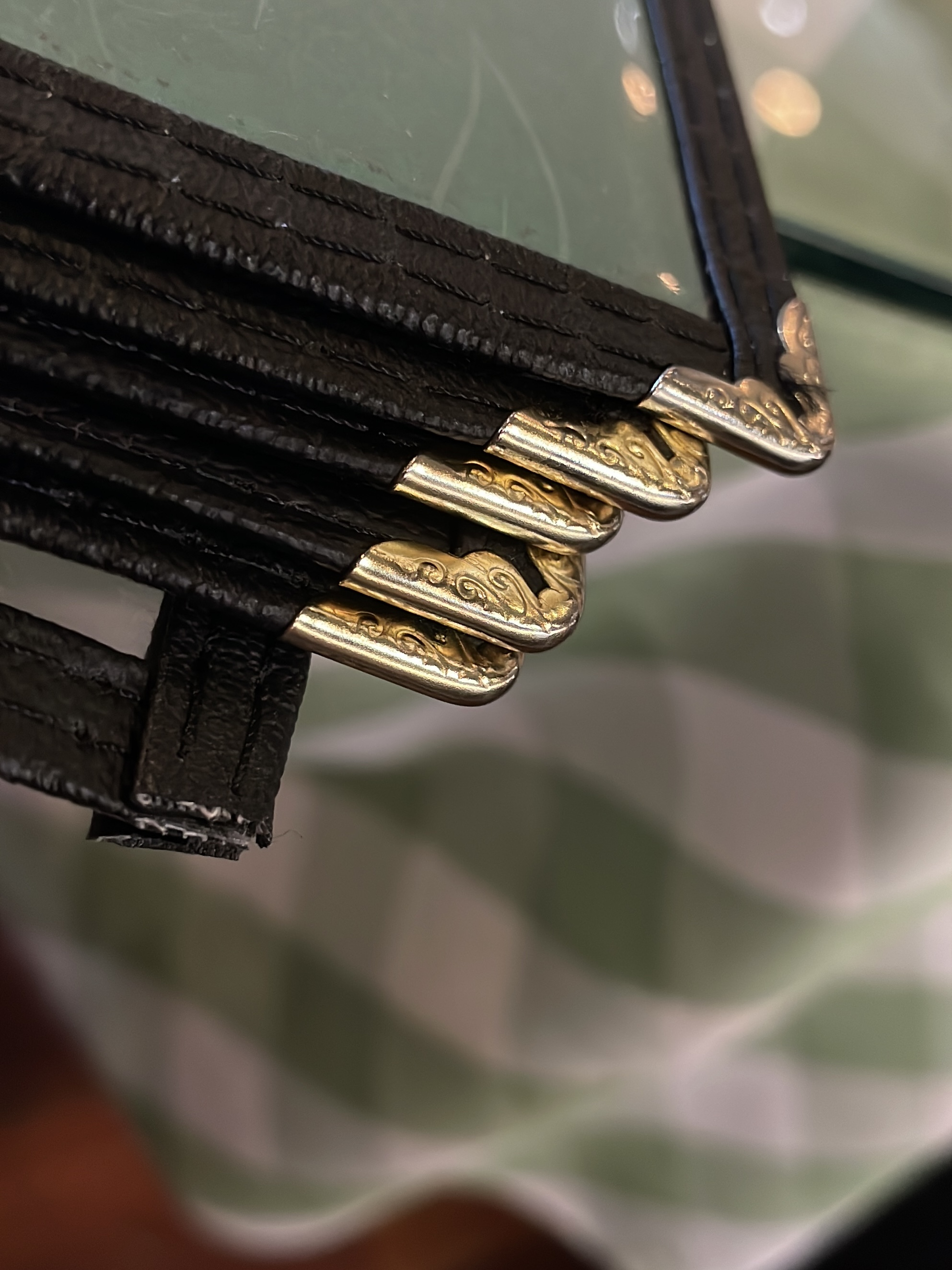
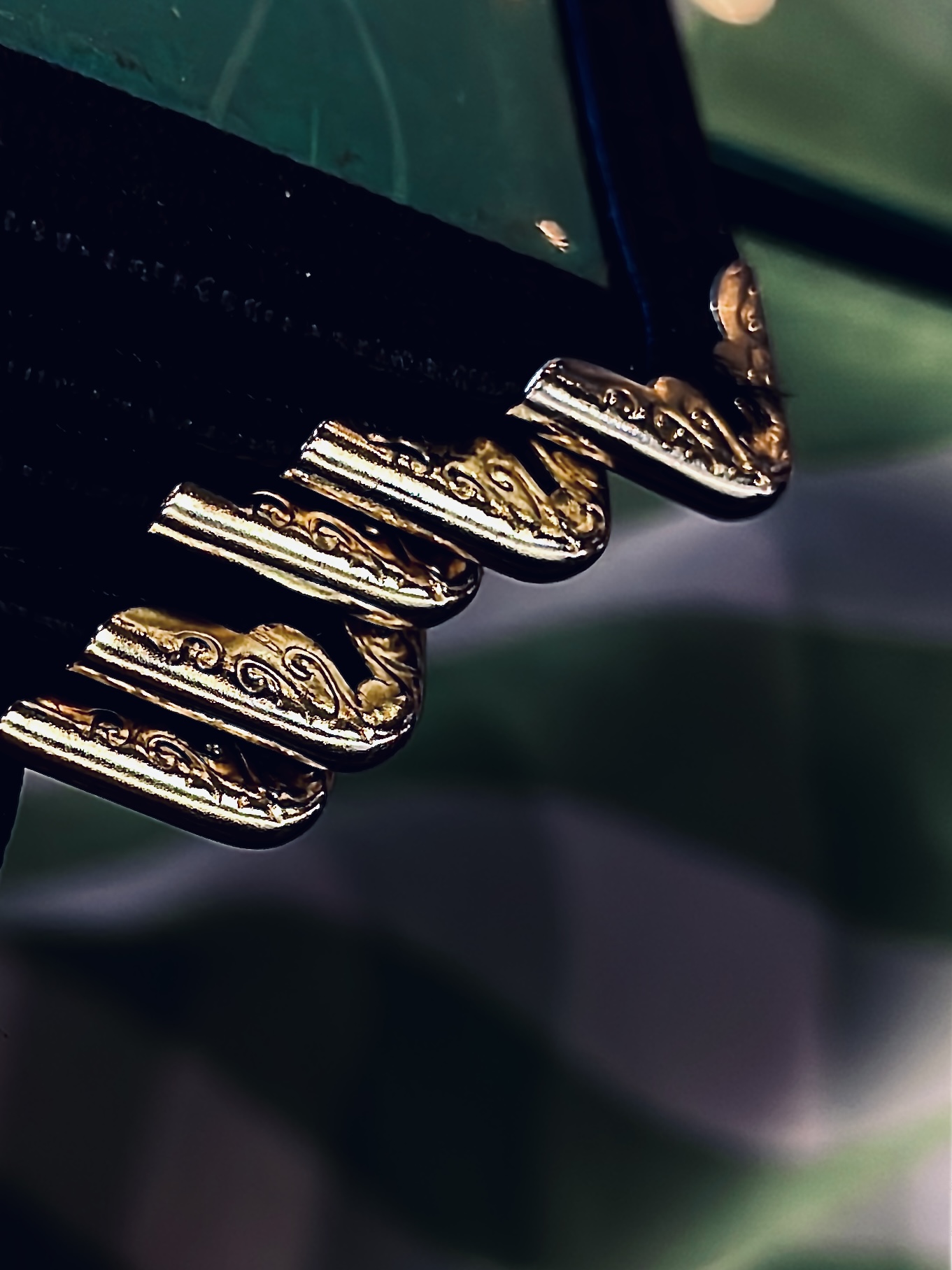
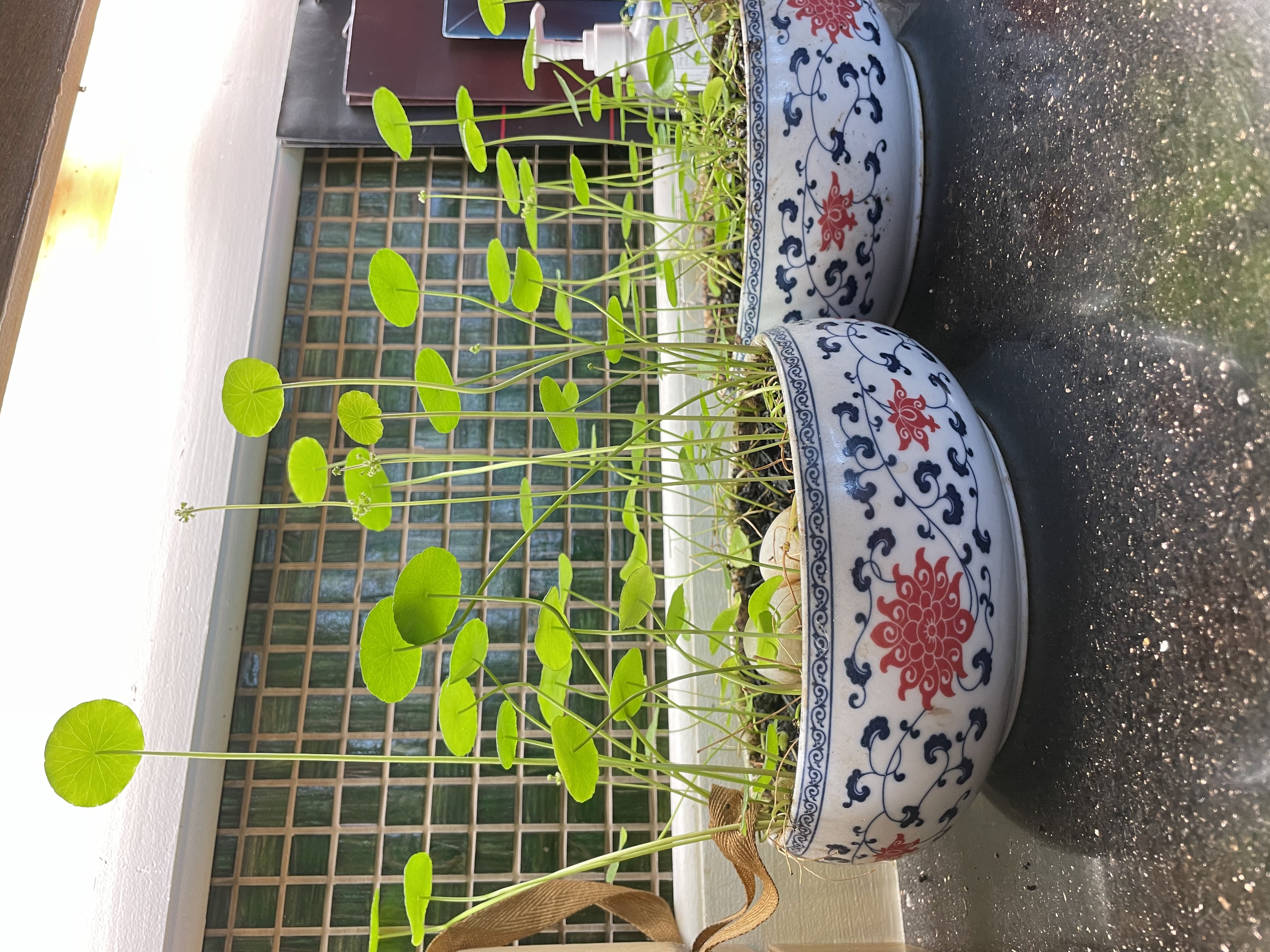
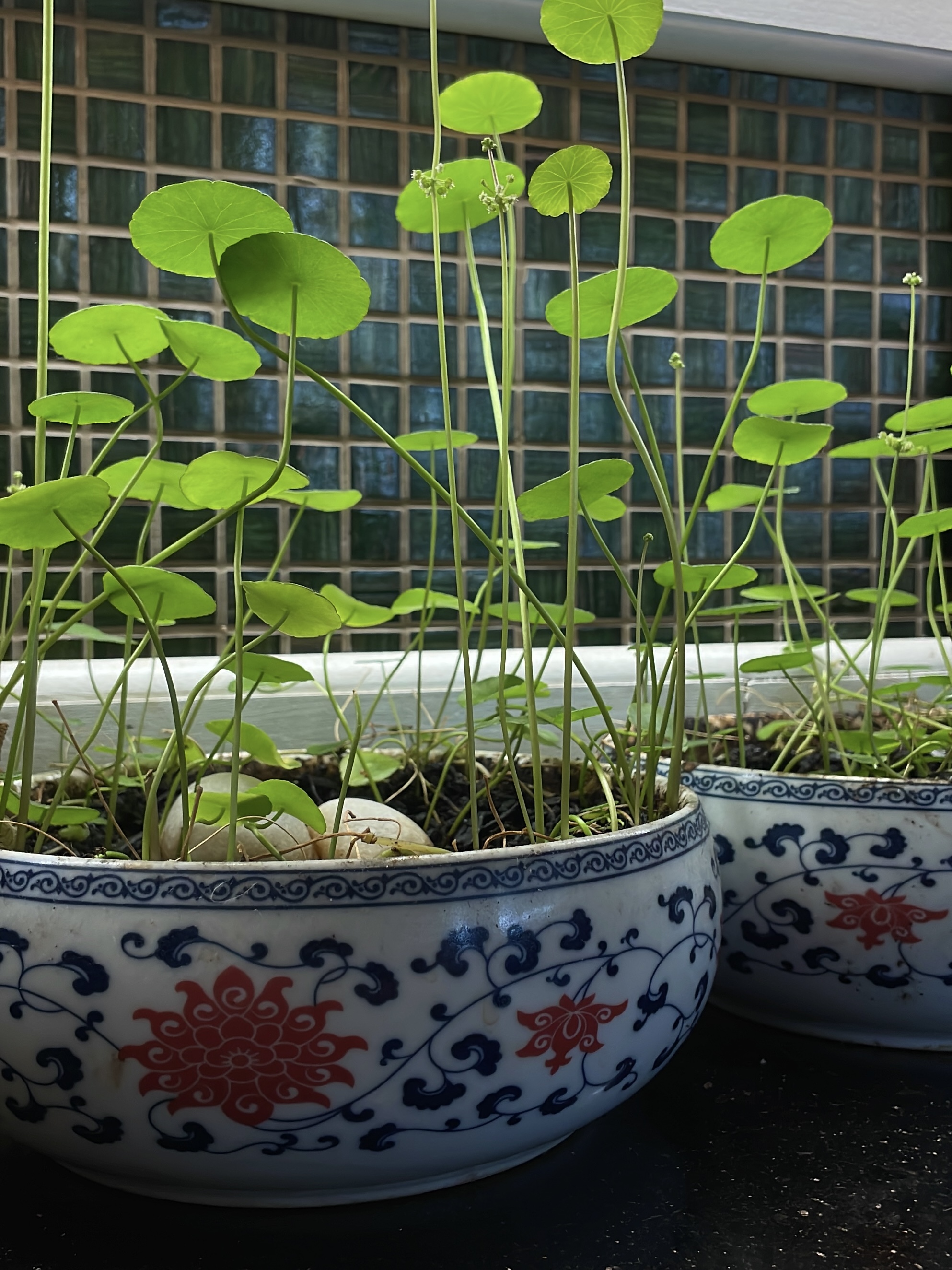
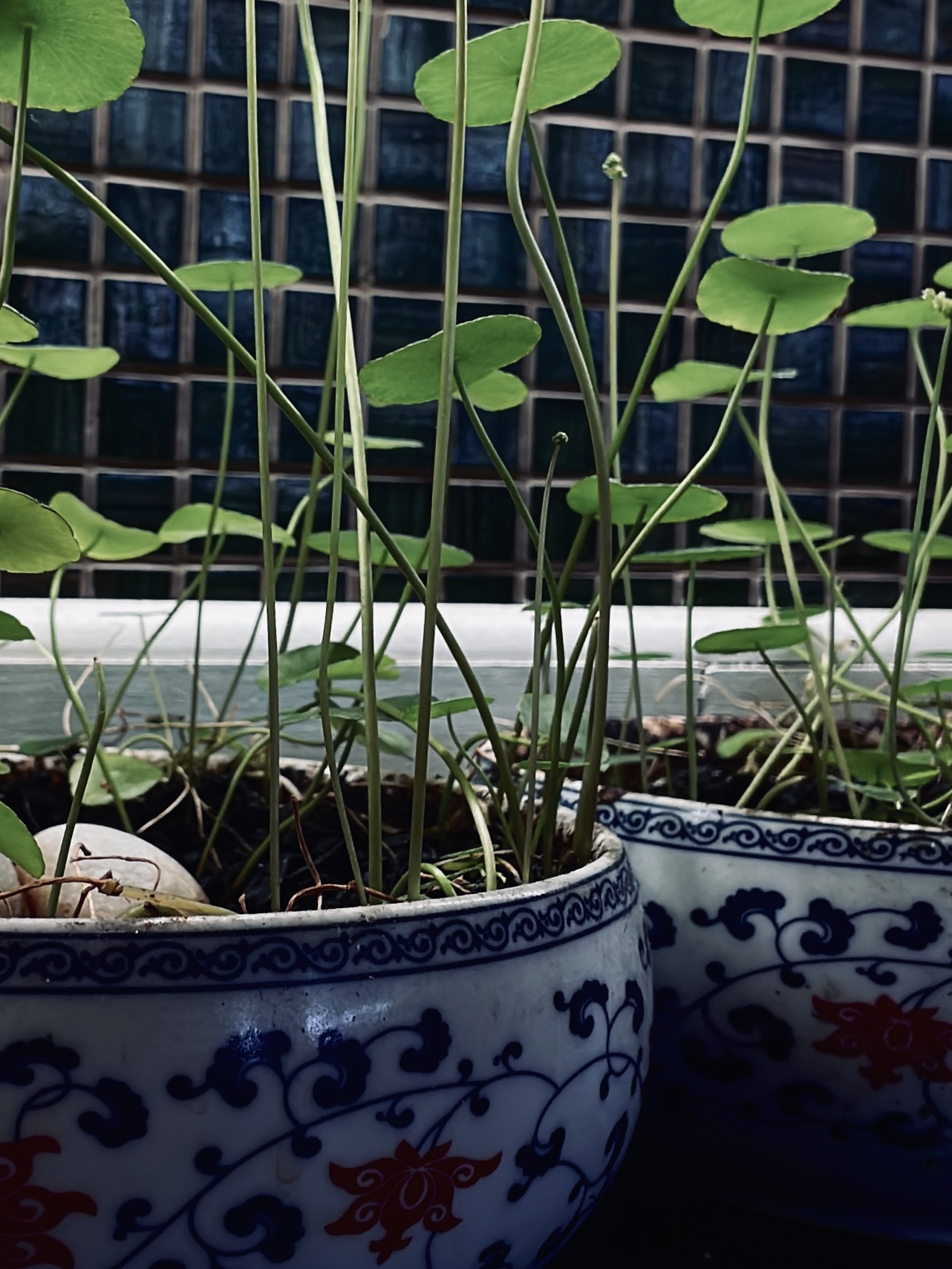
All above photos were taken at a local Chinese style restaurant on July 23! The 2 edited images (far right) were edited with the built-in iPhone Camera app.